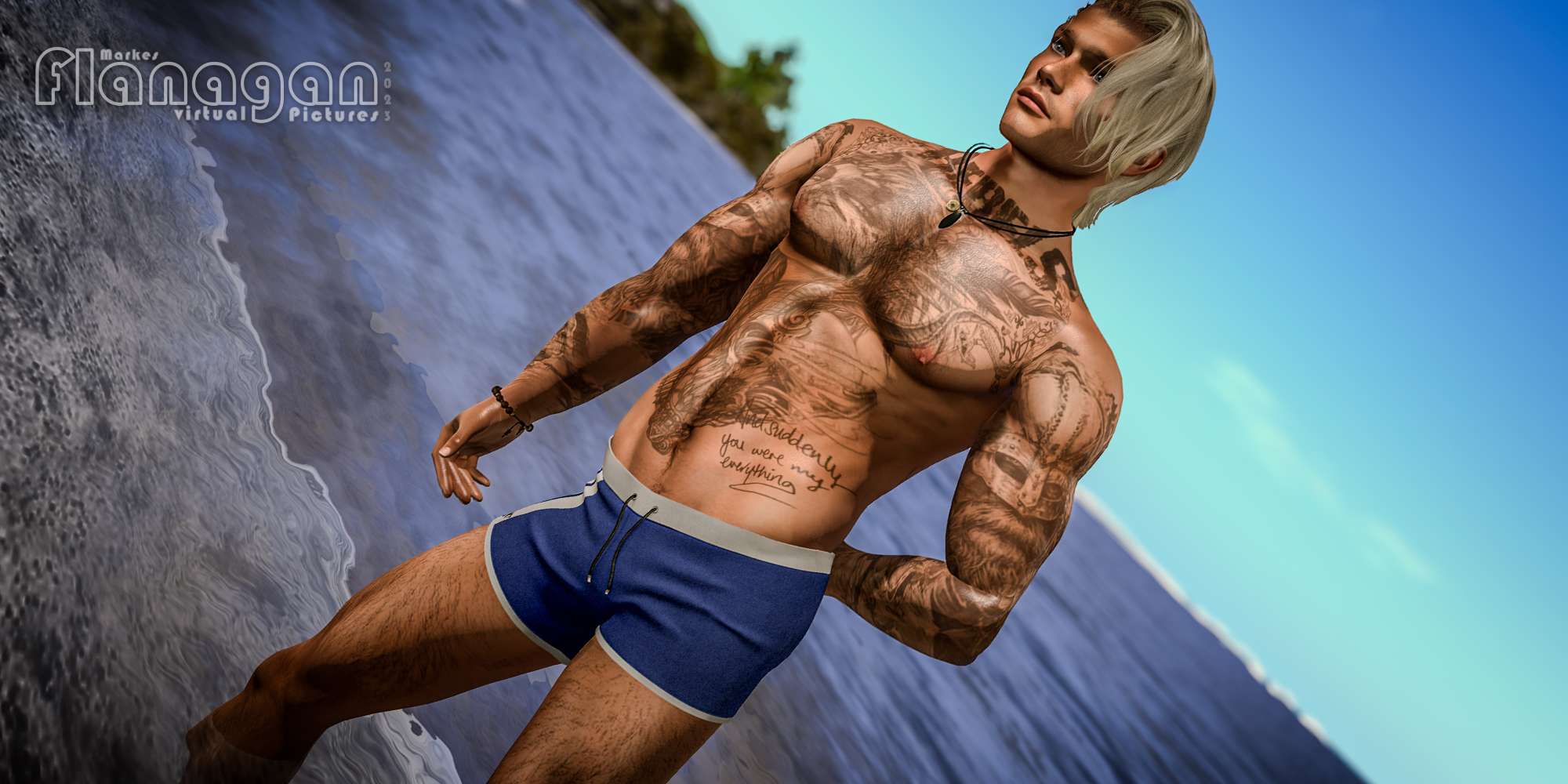
With male avatars, realism is decided in the outline, not in the face. The eye reads the silhouette first. Shoulder width against waist, neck length, head size and only then does it look at the skin. If this triangle is off, even the most expensive head won't help. The typical mistake here is a different one than with the female shape.
men aren't built too delicate, but too big, too broad and too muscular, with a head that hasn't grown to match. Realism here doesn't come from more mass, but from the right proportion. This, too, can be fixed in twenty minutes without spending a single Linden Dollar.
The basics
Without current mesh, everything else is cosmetics. Where things stand at the end of 2026:
| Part | Recommendation |
|---|---|
| Body | Legacy Meshbody (Athletic) for the widest clothing support, Belleza Jake for the leaner silhouette, Signature Gianni for the heavier build |
| Head | LeLutka EvoX - the less stylised heads come out calmer; Catwa HDPRO as an alternative |
| Skin | EvoX skin matched to the head: Stray Dog, Volkstone, Not Found, Clef de Peau |
| beard | own layer, not part of the skin - that way length, density and colour can be controlled separately |
| Mode | Bakes on Mesh instead of appliers - only this way can skin detail be layered |
A note on the neck seam. Skin for head and body should come from the same line and the same tone. Two brands that look identical in the catalogue almost always break at the neck in the light, and with male avatars this shows up more, because the neck is thicker and therefore more visible. Second point: beard tone should be a shade darker than the hair on the head, never lighter.
The measurement that decides everything
Before moving a single slider: take a front-facing screenshot. Barefoot, with the Hover at 0, camera far back, and the field of view narrowed to about 40°. the default field of view distorts like a wide-angle lens and makes any judgement worthless. And the pose matters too. Arms held clearly away from the body, T-pose or spread out at an angle.
With male avatars this matters even more than with female ones, because the upper arm sits broad at the shoulder: in a normal stance you measure shoulder plus arm and take the shape for wider than it is. Head height and crotch position are independent of the pose. And take off the hairstyle: what's measured is the skull, not the hair. A hairstyle with volume can easily sit ten per cent of the head height above the crown, and measuring it along makes a clearly too-small head look right. The error runs in the same direction as the most common shape mistake of all, and hides it in the process. Then measure six values: five from the front and one from the side, each as a share of total height. They apply regardless of how tall the avatar is.
Two of these values separate the male outline from the female one: the shoulder width, which sits well above the hip, and the waist, which precisely isn't narrow. Pull the waist in the way you would on a female shape, and you don't get an athletic man but an hourglass with broad shoulders. The crotch position, by contrast, is the same for both - and here too it's the value that's most often off and least often checked.
With the shoulder measurement, the measuring point is what decides it, and that's exactly where most self-checks go wrong: what's meant is the shoulder line at the point where it bends into the arm - not the widest point over the deltoids. On a muscular avatar these two can easily differ by four to five percentage points. Measure over the deltoids and you land above thirty per cent, taking a perfectly correct shape for too wide. On top of that, spread arms push the head of the upper arm outward. When in doubt, the smaller of the two values applies.
The sixth value is the one you can't see from the front. Torso depth can't be judged from the front: waist and hip can be exactly right in proportion, and the belly still bulges. So turn the avatar ninety degrees and drop an imaginary plumb line from the foremost point of the chest. The waist sits well behind it, and the lower belly also stays behind it or reaches the line at most. If it sits in front, it's almost always the belly size, more rarely the body fat and correcting it via the waist doesn't help, because that already sits right from the front.
Two per cent of body height are enough to make the difference: on a 1.90 m avatar, two centimetres of belly protrusion is already the point where a trained body starts to look soft. That's why this view belongs at the end of every session, not at the start, where it tempts you into correcting values that aren't even set yet.
The Body tab
Three sliders — Height, Body Thickness, Body Fat — and on male shapes they're almost always in the wrong relation to each other. The Body Thickness doesn't scale with height, it's absolute: a 1.95 m avatar with Body Thickness 62 turns into a wardrobe, a 1.75 m one with Body Thickness 40 into a boy. And Body Fat at 0 is the second most common mistake - without some body fat the skin has no transitions for light to catch on, and the muscles sit engraved into the stomach.
Slider range 0 to 100 · tick marks at 50 and 100 · the shaded field is the recommended range
The height slider means something different on every shape, because leg length, neck length and head size all count towards it. So do not fix Body Thickness by the slider, but by the centimetres the editor shows at the top right as Height shows: the smaller it is, the higher the Body Thickness - not the other way round. To find the conversion for your own shape, lower the height slider by ten points and read it off again; 0.8 to 1.1 centimetres per point is typical. And once more: measure barefoot. Shoes with heels count in the editor.
Head, neck and torso
These sliders decide the head count from the measurement. Male shapes are almost always built taller than female ones, and that's exactly why the too-small head stands out even more here. The neck is the second lever: on men it should be short and thick - a long, thin neck turns any height into a beanpole.
Important here: Head height doesn't hang on one slider, but on four. The Head Size scales the whole head, the Head Stretch pulls it lengthwise, and Head Shape and Egg Head shift volume between the crown, forehead and chin - so both change the height too. Turn only the head size, and you get a wider head where a taller one is needed. Head Stretch is the least conspicuous of these - it works in exactly the direction that's missing on tall avatars.
The rule of thumb: if the head count is above 8, height isn't the problem but the pairing of leg length and head size. Correct there first, then measure again. And don't forget arm length - on male shapes it's more often too short than too long, and arms that are too short make the torso look bulky.
Slider range 0 to 100 · tick marks at 50 and 100 · the shaded field is the recommended range
Shoulders, chest and waist
This is where the real difference lies. In the male outline what counts is the ratio of shoulder to hip: the shoulder is roughly a quarter to a third wider than the hip, the waist sits in between and is not pulled in. The second mistake is the Muscular slider. Above 70 the silhouette tips into cartoonish territory, and clothes stop fitting - most mesh tops are rigged for mid-range values.
Three of the following sliders depend on the body type, and the ranges below cover both: Belly Size, Love Handles and Saddle Bags belong at the lower end on a well-trained avatar, and in the upper half on a normally built one. The reason is that mesh bodies already bring the volume with them - the slider only adds to it. Use mid-range values with Signature Gianni or another heavyset body, and you get exactly the soft belly you wanted to avoid. The same caveat applies to the waist: the 80 to 88 per cent from the measurement describe the normally built man; a trained body can sit at 75 to 80 per cent, where the narrow waist is the feature, not the flaw.
The bodies behave differently here: Signature Gianni already brings mass with it, so Torso Muscles and Chest Muscles can go to the lower end there. Belleza Jake builds leaner and tolerates higher values, but shouldn't drop below 45 on Body Thickness. Legacy sits in between and reacts most strongly to Body Fat.
Slider range 0 to 100 · tick marks at 50 and 100 · the shaded field is the recommended range
The face
The sliders here are spread across five tabs. Important up front: these values are even more just starting points than for the body - every head turns the same number into something different, and some sliders don't do anything at all on mesh heads. Always judge by the rendered face, not the number. Four things make a face read as male: deeper-set eyes under a heavier brow, a bigger nose, narrower lips and a visible jaw angle.
Eyes - smaller and deeper
Oversized eyes are the strongest anime tell here too. On male faces there's an added factor: the eye opening is narrower, and the eyes sit deeper — that's what creates the shadow under the brow that reads as "chiselled".
Slider range 0 to 100 · tick marks at 50 and 100 · the shaded field is the recommended range
Nose — almost always too small
Male noses in Second Life come out almost universally too small and too narrow. That's less a matter of taste than of the defaults: most head meshes ship with a base shape tuned for female faces, and leaving it unchanged gives a face that looks unfinished, especially in profile.
More important than size is the bridge. A nose bridge with substance carries the shadow that makes a face read as male in the first place, and both bridge sliders at 0 is the most common reason for the smooth, childlike nose you see on half the sims. Please judge nose width on the rendered face, not the number. It looks different on every head, because the wings are modelled differently.
Slider range 0 to 100 · tick marks at 50 and 100 · the shaded field is the recommended range
Mouth and chin
The jaw is to the male face what the shoulder is to the body. Angular rather than pointed, with a corner that's visibly set beneath the ear and a line to the neck that doesn't taper off soft.
For the lips, the female rule reverses: it's not fullness that makes the mouth, it's the edge. A narrower upper lip with a clearly drawn border reads more masculine than any increase in volume. Lip Thickness above 40 tips the whole head into androgynous territory, regardless of how angular the jaw beneath it is set.
The chin, finally, can take more length than the default gives it, but only together with the Chin-Neck slider. A long chin over a soft neckline doesn't look striking, it looks heavy.
Slider range 0 to 100 · tick marks at 50 and 100 · the shaded field is the recommended range
Cheeks, forehead and ears
These six sliders make the difference between a face and a head model. The cheekbones give the edge that light catches on; the upper cheeks stay flat, because full cheeks read as youthful; and the lower cheek area still can't be sunken, or the face ages by ten years.
Ears are the classic forgotten slider. They're almost always shrunk during building because they get in the way in portraits, and that's exactly what takes the size out of the head. On a human, an ear reaches roughly from the brow to the base of the nose, check that once in profile, and you'll usually correct upward afterwards.
And once more the most important caveat in this section: a LeLutka head turns the same number into something different from a Catwa, some sliders don't do anything at all on mesh heads, and every skin shifts the impression once more. The values here are starting points for the first pass, judged on the rendered face, from two metres of camera distance and in calm light.
Slider range 0 to 100 · tick marks at 50 and 100 · the shaded field is the recommended range
Finally, build in a little asymmetry, via Face Shear on the Head tab, very sparingly. Perfect symmetry is the mark of a render, not of a face. And if a beard is planned: finish the face first, then apply the beard. Do it the other way round. Set Jaw Shape after the beard and you'll wonder why the face stops working without it.
In this order
The sliders influence one another. Raise Body Fat afterwards and you have a different silhouette again, and you set Body Thickness twice.
- Pin down the height. Barefoot, Hover at 0, read the centimetres instead of trusting the slider.
- Body Fat. It changes all the widths along with it, so it comes before Body Thickness.
- Body Thickness. From the table, matched to the actual height.
- Head, neck, torso, legs. Until the head count is below 8 and the crotch sits at 47–49%.
- Shoulders and hips. Check the ratio, not individual values: shoulder 100, waist 75–88, hip 75–82.
- Muscles last. Only once the outline is right, otherwise mass gets stacked onto the wrong proportions.
- Finally, turn to profile. Everything before this is judged from the front; torso depth only shows from the side.
Where the realism actually comes from
The shape is the foundation, the detail is the effect. Layered over the skin as Bakes-on-Mesh layers:
- Skin detail - pores, scars, moles, fine lines around eyes and mouth.
- Beard as its own layer, even if it's meant to be just a shadow. A shaved face with visible stubble growth looks instantly more real than a smooth surface.
- Eyebrows denser and less shaped than on female shapes, in the colour of the hairline.
- Eyes with a limbal ring and visible iris structure (IKON, Avi-Glam, Just Magnetized).
- Body hair, sparingly - chest, forearms, shins; completely missing body hair reads as doll skin.
- Targeted shine - subtle specular on lips, eyes and forehead, never across the whole skin.
- Nails short and matte.
Light beats shape
For photographs, lighting decides more than any slider. Firestorm with the Phototools, or Black Dragon for finer light control, and then:
- Advanced Lighting Model on, shadows set to “Sun/Moon + Projectors”, ambient occlusion on.
- Antialiasing 4× to 8×, anisotropic filtering on.
- Depth of Field on, with a wide aperture for portraits.
- Reduce the field of view to 40–50° and zoom out further. The default field of view distorts faces.
- Your own EEP environment instead of the region default: hard, directional light suits male faces better than soft - it traces the jaw and brow.
- Face light only very subtly. Overlit faces are the second-biggest realism killer after a head that is too small.
The compromise nobody talks about
A realistic height would be between 1.75 m and 1.83 m. Only, in Second Life practically everything is built for taller avatars: pose stands, furniture, sim decor, ready-made poses and for male avatars a norm around 1.95 m has additionally taken hold, against which 1.78 m looks short, even though it isn't.
If you shoot on other people's sims, you get realism more reliably through head size and shoulder ratio than through centimetres.
Both routes work. Either come down to 1.80 to 1.85 m. Considerably more believable and still compatible with most poses and couple poses. Or stay at 1.90 m and instead set the proportions cleanly: head big enough, neck short, crotch at 47–49%, hands and feet grown to match. Visually the second route brings almost the same gain, because the eye reads proportions, not centimetres. One more note on couple poses: the size difference between two avatars shows up immediately in hugs and dance poses. More than 20 centimetres apart looks wrong in most poses, no matter how good each shape is on its own. Every slider value here is a starting point, not a recipe. Every head mesh reacts differently. What counts in the end is the measurement: head count below 8, crotch at 47–49%, waist at 75–88% of the hip, shoulder well above it, and in profile a lower belly that stays behind the chest line.
similar posts
-
Reverie Beach
- 25.02.2020
- ·
- Explore
- ·
- Lex Bloobury
- ·
- Destinations
-
-Baja Tides –
- 14.07.2018
- ·
- Explore
- ·
- Destinations
- ·
- Skirts