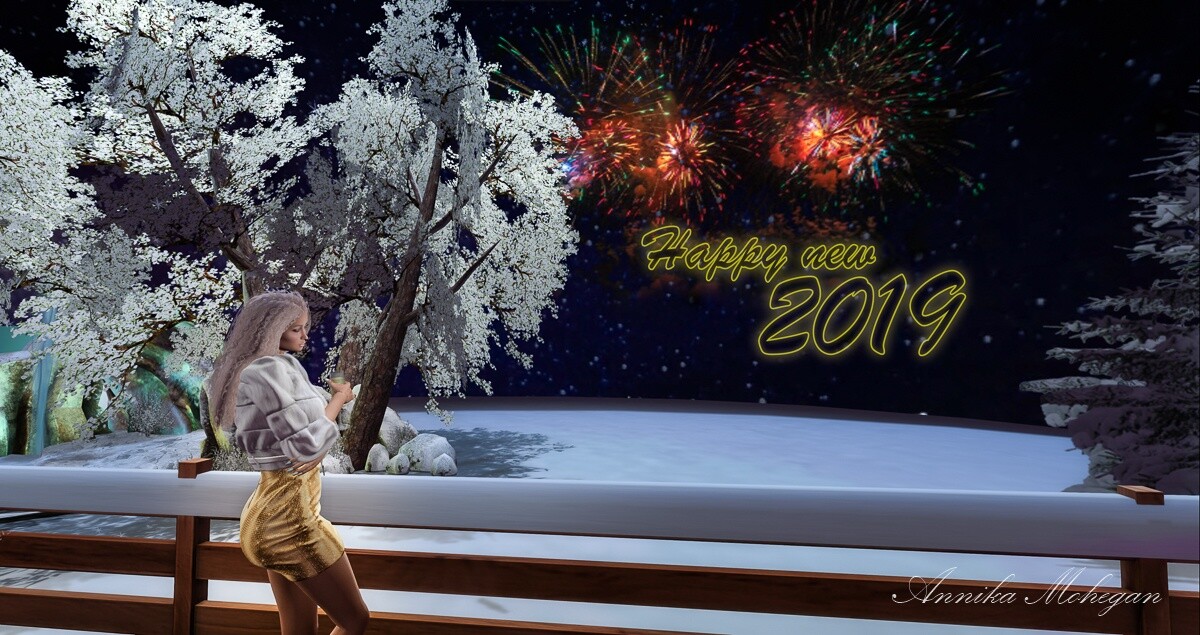
![Annika mit langem silbernem Haar tanzt im grünen Neonlicht des Clubs Warehouse 21, in Rippenpullover und kurzem Rock von [FLIRT]](https://www.my-sl-stories.de/wp-content/uploads/2026/08/2026_FLIRT-Erika_20260104_001.jpg)
Almost every shape that looks artificial fails at the same point: head size. Not the skin, not the mesh head, not the budget. The eye reads proportions before it reads detail, and when the head is too small in relation to the body, even the best skin cannot save it. Roughly speaking, the impression of “real” comes one third from the shape, two fifths from skin and detail, and the rest from lighting and graphics settings. The sliders alone save nothing. But they are the part you can fix in twenty minutes without spending a single Linden dollar.
The basics
Without current mesh, everything else is cosmetics. Where things stand at the end of 2026:
| Part | Recommendation |
|---|---|
| Body | Maitreya LaraX for the widest clothing support, eBody Reborn for the softer silhouette, Legacy as a middle ground |
| Head | LeLutka EvoX - the more realistic ones are Avalon, Fleur, Nuria, Ceylon ; Genus as an alternative |
| Skin | EvoX skin matched to the head: [Glam Affair], Itgirls, Velour, Avi-Glam, Not Found |
| Mode | Bakes on Mesh instead of appliers - only this way can skin detail be layered |
A note on the neck seam: the skin for head and body should come from the same line and the same tone. Two brands that look identical in the catalogue almost always break at the neck under light.
The measurement that decides everything
Before moving a single slider: take a front-facing screenshot. Barefoot, with the Hover slider at 0, the camera far back and the field of view reduced to about 40°. The default field of view distorts like a wide-angle lens and makes any judgement worthless. And the pose matters as much: arms well clear of the body, T-pose or spread out at an angle.
In a normal stance the arms hang against the silhouette, and shoulder and hip width can no longer be separated from the upper arm. You measure shoulder plus arm and think the shape is too wide. Head height and crotch position do not depend on the pose. Then measure five values, each as a share of total height. They hold regardless of how tall the avatar is.
The crotch position is the value that is most often wrong and least often checked. It decides whether a tall avatar reads as a tall woman or as a stretched doll.
The Body tab
Three sliders, Height, Body Thickness and Body Fat, and the middle one is almost always set too low. The Body Thickness does not scale with height. It is absolute. A small body at Body Thickness 30 immediately takes on child proportions.
Slider range 0 to 100 · tick marks at 50 and 100 · the shaded field is the recommended range
Body Fat 0 is the second most common mistake. Without some body fat the skin has no transitions for light to break on and the avatar looks lacquered.
The height slider means something different on every shape, because leg length, neck length and head size all count towards it. So do not fix Body Thickness by the slider, but by the centimetres the editor shows at the top right as Height : the smaller the avatar, the higher the Body Thickness, not the other way round. To find the conversion for your own shape, lower the height slider by ten points and read it again; 0.8 to 1.1 centimetres per point is typical.
Body Thickness by actual height
| Actual height | Body Thickness |
|---|---|
| 1.55–1.63 m | 44–52 |
| 1.64–1.72 m | 40–47 |
| 1.73–1.80 m | 36–44 |
| 1.81–1.88 m | 35–42 |
Head, neck and torso
These sliders decide the head count from the measurement. They have to grow with the height, otherwise you get exactly the stretched look.
Slider range 0 to 100 · tick marks at 50 and 100 · the shaded field is the recommended range
The rule of thumb: if the head count is above 8, the problem is not the height but the pairing of leg length and head size. Correct there first, then measure again.
The bodies behave differently here: eBody Reborn builds wider and softer by default; there a Hip Width around 48–55 is enough. Maitreya LaraX builds narrower and takes 60, but should not drop below 38 on Body Thickness. Legacy already comes with a waist, keep the Torso Muscles lower there.
Shoulders, waist, hips
For the outline the ratio counts, not the individual value. The typical mistake is not “too wide” or “too narrow”, but narrow shoulders combined with very wide hips, the hourglass caricature. As a rule of thumb, Hip Width sits at most eight points above the shoulders.
Slider range 0 to 100 · tick marks at 50 and 100 · the shaded field is the recommended range
The face
The sliders are spread across five tabs here. One thing first: these values are even more of a starting point than those for the body. A LeLutka head turns the same number into something different from a Genus, and some sliders do not affect mesh heads at all. Always judge by the rendered face, never by the number.
Eyes – the biggest lever
Oversized eyes are the strongest anime signal a shape can send. The slider is called Eye Size, the spacing is called Eye Spacing.
Slider range 0 to 100 · tick marks at 50 and 100 · the shaded field is the recommended range
Nase - fast immer zu klein
Slider range 0 to 100 · tick marks at 50 and 100 · the shaded field is the recommended range
Mouth and chin
Slider range 0 to 100 · tick marks at 50 and 100 · the shaded field is the recommended range
Cheeks and ears
Slider range 0 to 100 · tick marks at 50 and 100 · the shaded field is the recommended range
Finally, build in a little asymmetry via Face Shear in the Head tab. Use this very sparingly, though. Perfect symmetry is the hallmark of renders, not of faces.
In this order
The sliders influence one another. Raise Body Fat afterwards and you have a different silhouette again, and you set Body Thickness twice.
- Pin down the height. Barefoot, Hover at 0, read the centimetres instead of trusting the slider.
- Body Fat. It changes all the widths along with it, so set it before Body Thickness.
- Body Thickness. From the table, matched to the actual height.
- Head, neck, torso, legs. Until the head count is below 7.7 and the crotch sits at 47–49%.
- Shoulders and hips. Check the ratio, not single values: shoulders 100, waist 70–75, hips 100–108.
- Face and extremities. Bring hands and feet along too. Almost everyone skips this step.
Where the realism actually comes from
The shape is the foundation, the detail is the effect. Layered over the skin as Bakes-on-Mesh layers:
- Skin detail — pores, freckles, moles, fine lines (Izzie’s, Ryn, Sintiklia, Alaskametro).
- Eyebrows natural rather than drawn, in the colour of the hairline.
- Eyes with a limbal ring and visible iris structure (IKON, Avi-Glam, Just Magnetized).
- Targeted shine — subtle specular on lips and eyes, never across the whole skin.
- Body hair, belly fold, knee and armpit creases. Barely visible, which is exactly why it is otherwise missing.
- Nails at a natural length, not claws.
Light beats shape
For photographs, lighting decides more than any slider. Firestorm with the Phototools, or Black Dragon for finer light control, and then:
- Advanced Lighting Model on, shadows set to “Sun/Moon + Projectors”, ambient occlusion on.
- Antialiasing 4× to 8×, anisotropic filtering on.
- Depth of Field on, with a wide aperture for portraits.
- Reduce the field of view to 40–50° and zoom out further. The default field of view distorts faces.
- Your own EEP environment instead of the region default: soft, directional light, a projector light as the key light on the face, sun low.
- Face light only very subtly. Overlit faces are the second-biggest realism killer after a head that is too small.
On top of that, a Bento-AO with calm stands instead of the wide-legged default poses, and avatar physics turned down considerably. The factory settings wobble far too much for quiet shots.
The compromise nobody talks about
A realistic height would be between 1.65 m and 1.73 m. The catch is that in Second Life practically everything is built for 1.85 m to 2.00 m: pose stands, furniture, sim decor, ready-made poses. At 1.70 m you stand too low in the pose stand, sit beside the chair and look conspicuously small next to everyone else.
Anyone photographing on other people's sims gains more realism from head size and leg length than from centimetres.
Both routes work. Either come down to 1.72 to 1.75 m. That's considerably more believable and still compatible with most poses. Or stay at 1.85 m and get the proportions right instead: head large enough, crotch at 47–49%, hands and feet grown to match. Visually the second route gains almost as much, because the eye reads proportions and not centimetres. All slider values here are starting points, not recipes. Every mesh head responds differently. What counts in the end is the measurement: head count below 7.7, crotch at 47–49%, waist at 70–75% of the hips.